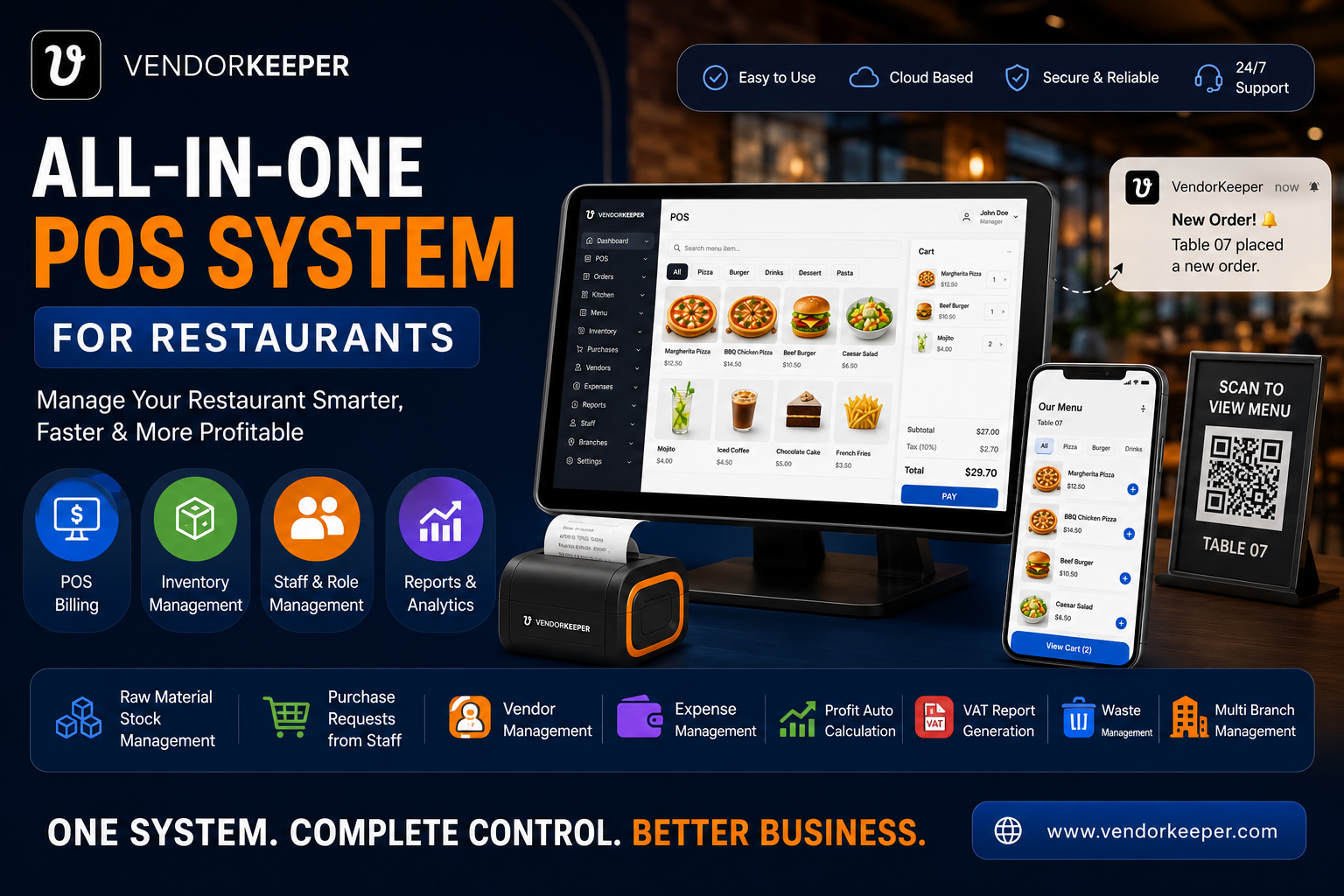
Not all restaurant billing software is created equal. The difference between a basic point-of-sale that just processes transactions and a truly capable restaurant billing software can mean tens of thousands of dollars in annual revenue difference — through faster service, fewer errors, better payment flexibility, and richer financial data.
This guide covers the essential features of professional restaurant billing software in 2026 — and how VendorKeeper delivers every one of them as standard.
What is Restaurant Billing Software?
Restaurant billing software is the technology layer that manages the financial transaction between your restaurant and your customers. At its most basic, it processes sales. At its most powerful, it:
- Captures every order with precision
- Applies the correct prices, discounts, and taxes automatically
- Accepts any payment method the customer prefers
- Generates a compliant invoice or receipt instantly
- Records every transaction in a structured financial database
- Produces reports that inform business decisions
The best restaurant billing software is not a cash register. It is a financial intelligence platform built around the billing moment.
Essential Features of Restaurant Billing Software
1. Fast, Accurate Item Lookup
Speed is the first requirement of billing software. VendorKeeper's billing interface offers:
- Barcode scanning for instant item identification
- Category-based browsing with large, tappable tiles
- Search for quick text-based item lookup
- Favourites — pin your top 20 items for one-tap access
A skilled cashier using VendorKeeper can bill a 10-item order in under 30 seconds.
2. Modifier & Customisation Support
Restaurant orders are complex. "No onions, extra sauce, medium well, with chips not salad" — every modification must be captured accurately and transmitted to the kitchen. VendorKeeper supports multi-level modifiers for every menu item, ensuring zero miscommunication between front-of-house and kitchen.
3. Multiple Payment Methods
In 2026, restaurants that accept only cash and card are turning away revenue. VendorKeeper accepts:
- Cash (with automatic change calculation)
- Credit and debit cards
- Mobile payments (bKash, Nagad, Rocket, Apple Pay, Google Pay)
- Digital wallets and QR pay
- Account/credit (for regular corporate clients)
- Split payment — any combination of the above in a single transaction
4. Discount & Coupon Engine
VendorKeeper's promotion engine supports:
- Percentage discounts (10% off total, 20% off selected items)
- Fixed amount discounts (BDT 100 off orders over BDT 500)
- Item-level discounts (happy hour pricing on specific drinks)
- Coupon codes (unique codes for marketing campaigns)
- Staff discounts (manager-authorised, fully logged)
Every discount is logged with the authorising staff member — creating a complete audit trail.
5. Professional Invoice & Receipt Generation
VendorKeeper generates professional, branded invoices that include:
- Your restaurant logo and contact information
- Itemised line items with quantities and prices
- Discount and coupon details
- Tax breakdown (VAT by category)
- Payment method breakdown
- Total, tax, and net amounts
- Unique invoice number and timestamp
Invoices can be printed, emailed, or shared digitally — your choice per transaction.
6. Table Management Integration
For full-service restaurants, billing software must integrate with table management. VendorKeeper links every bill to a specific table — tracking covers, open time, courses ordered, and total spend per table per service.
When the guest calls for the bill, the POS retrieves the complete table record instantly — no need to recall a transaction from memory.
7. Split Bill Support
Groups dining together frequently want to split the bill — by item, by equal share, or by a custom amount. VendorKeeper's split billing functionality handles all three scenarios, generating separate receipts for each payer and processing multiple payment methods for the split portions.
8. Dine-in, Takeaway & Delivery Modes
VendorKeeper handles all three service modes from the same billing interface:
- Dine-in: Linked to table management; full course tracking
- Takeaway: Standalone transaction with customer name or number
- Delivery: Integration with delivery tracking, with address and platform reference
9. Offline Billing Capability
Internet outages cannot stop your billing. VendorKeeper's local-first architecture stores all transactions on the device during connectivity loss and syncs automatically when the internet returns. Your billing software runs 100% offline when needed.
10. Real-Time Sales Reporting
Every bill processed in VendorKeeper contributes instantly to your live sales dashboard. Management can see:
- Today's revenue in real time
- Hourly sales pattern
- Best-selling items by revenue and volume
- Payment method breakdown
- Average transaction value
What Sets VendorKeeper Apart from Basic Billing Software
Most basic restaurant billing software stops at the billing moment. VendorKeeper continues beyond it:
| Capability | Basic Billing | VendorKeeper |
|---|---|---|
| Process payment | ✅ | ✅ |
| Generate invoice | ✅ | ✅ |
| Multi-payment methods | ⚠️ | ✅ Full |
| Offline billing | ❌ | ✅ |
| Ingredient deduction | ❌ | ✅ |
| KOT to kitchen | ❌ | ✅ |
| VAT-compliant invoicing | ⚠️ | ✅ |
| Vendor management | ❌ | ✅ |
| Financial reports | ⚠️ Basic | ✅ Full |
| Multi-branch | ❌ | ✅ |
FAQs: Restaurant Billing Software
What is the best restaurant billing software? VendorKeeper is the most feature-complete restaurant billing solution — combining fast billing, multi-payment support, offline capability, VAT-compliant invoicing, and integrated inventory, vendor, and multi-branch management.
Does restaurant billing software work offline? VendorKeeper works fully offline — all transactions are stored locally and sync to the cloud when connectivity returns.
Can restaurant billing software generate VAT invoices? Yes. VendorKeeper automatically generates VAT-compliant invoices in the format required by your jurisdiction — Bangladesh Mushak, UAE FTA, UK HMRC, or European VAT.
What payment methods does restaurant billing software support? VendorKeeper supports cash, card, mobile payments (bKash, Apple Pay, Google Pay, etc.), and split payment across multiple methods in a single transaction.
How does billing software connect to the kitchen? VendorKeeper transmits a Kitchen Order Ticket (KOT) instantly to the kitchen display the moment an order is confirmed at the billing terminal — with zero manual re-entry.