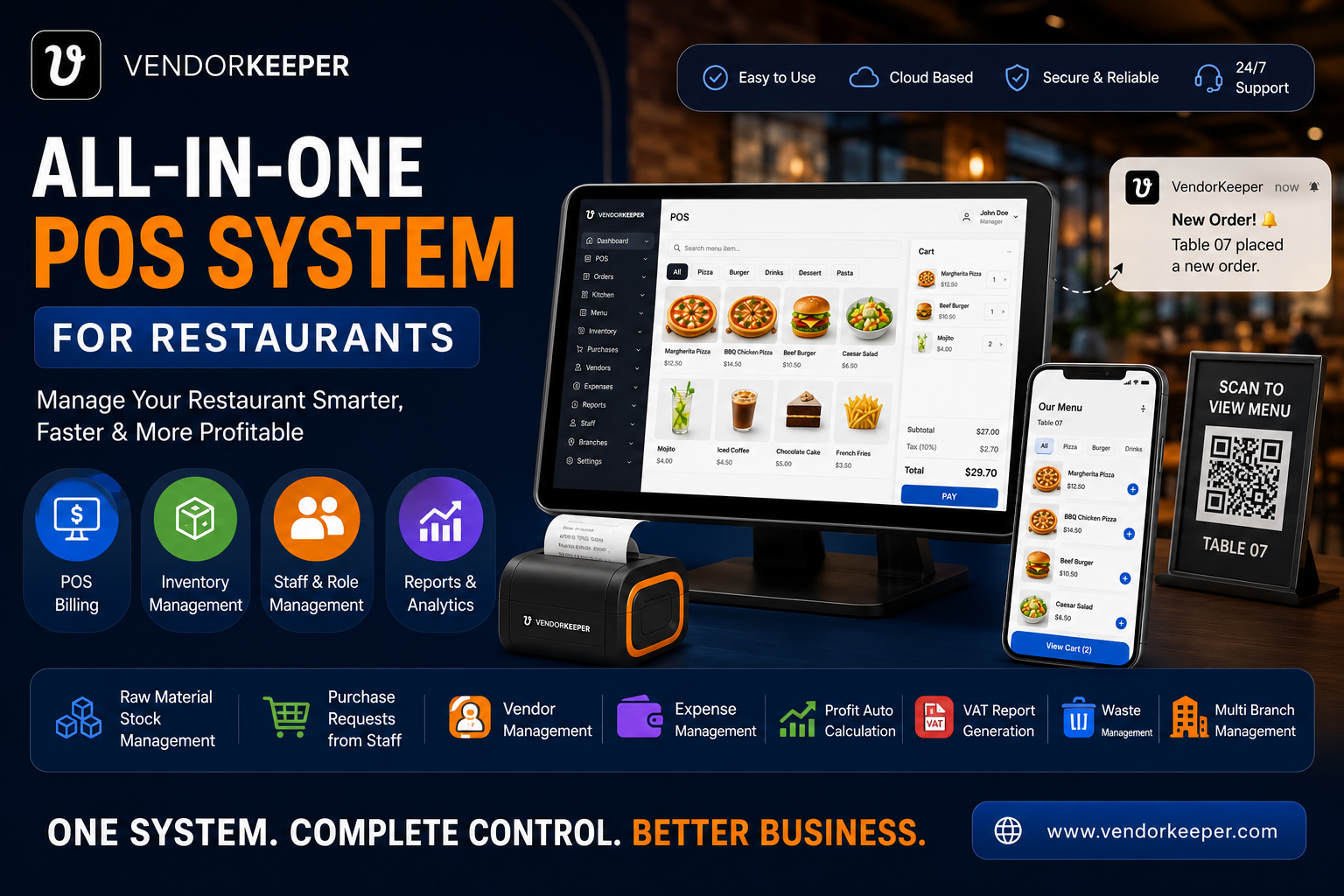
How to Accept bKash, Nagad and Card Payments in Your Shop POS in Bangladesh
Bangladesh's mobile financial services (MFS) ecosystem has transformed how consumers pay. With over 70 million active mobile banking users across bKash, Nagad, and Rocket, cash is no longer the only — or even preferred — payment method for millions of Bangladeshi shoppers.
For restaurant owners and restaurant managers, this creates both an opportunity and an obligation: offer every payment method your customers use, or lose sales to competitors who do.
Why Multi-Payment Integration Matters
Reduce Queue Length at Checkout
Mixed-payment scenarios without proper POS integration cause delays. Cashiers manually recording bKash transactions while other customers wait costs you real revenue during peak hours.
Eliminate Payment Disputes
"Did I pay ৳500 or ৳550?" Without a POS-logged record of every payment method used per transaction, disputes are impossible to resolve confidently. VendorKeeper logs the payment method alongside every transaction permanently.
Complete Your VAT Record
A Mushak 6.3 receipt must reflect the actual payment received. VendorKeeper's payment logging ensures your VAT records are always aligned with actual transactions, regardless of how the customer paid.
Payment Methods VendorKeeper Supports
Cash
Standard cash payments tracked per cashier shift, with drawer reconciliation at end-of-day showing expected vs. actual cash.
bKash (Merchant Account)
Record bKash payments by entering the transaction ID from the customer's confirmation screen. VendorKeeper logs the bKash reference number alongside the transaction for dispute resolution.
Nagad
Same workflow as bKash — enter the customer's Nagad transaction reference ID. Full audit trail maintained.
Card (Visa/Mastercard via POS Terminal)
Log card payments through your bank-provided POS terminal. VendorKeeper records the payment type; your bank slip serves as the card payment confirmation.
Split Payments
One of VendorKeeper's most powerful features: a customer can pay part in cash and part via bKash in a single transaction. The system splits the receipt correctly and logs both payment amounts separately.
Setting Up Payment Tracking in VendorKeeper
Step 1: Enable Payment Methods
In Settings → Payment Configuration, activate the payment types relevant to your business. Each has a configurable name (e.g., rename "Mobile Banking" to "bKash" or "Nagad" for clarity at the POS screen).
Step 2: Train Cashiers on the Workflow
The checkout flow in VendorKeeper:
- Complete the sale (add items, calculate total)
- Select Payment Method from the payment screen
- For MFS payments: enter the received amount and transaction reference
- System generates the Mushak 6.3 receipt with payment method recorded
Step 3: End-of-Day Reconciliation
VendorKeeper's Daily Closing Report shows:
- Total cash collected (must match drawer count)
- Total bKash received (matches your merchant account statement)
- Total Nagad received
- Total card transactions
- Any split payments broken into components
Discrepancies are visible immediately, before they become accounting problems.
For Restaurants: Table-Level Payment Flexibility
In restaurant mode, VendorKeeper supports:
- Split billing across multiple customers at one table
- Each customer pays with their preferred method
- All splits correctly applied to the single table order record
A table of 4 where 2 pay bKash, 1 pays Nagad, and 1 pays cash — handled correctly in a single workflow without any manual calculations.
Security and Audit Trails
Every payment method switch or override requires the cashier's active session to be logged. This means:
- You always know which cashier processed which payment
- Suspicious patterns (high rate of cash discount) are visible in reports
- No transaction can be modified after completion without leaving an audit log entry
Call Now: +8801866541002 — Set up multi-payment in your existing VendorKeeper account today.